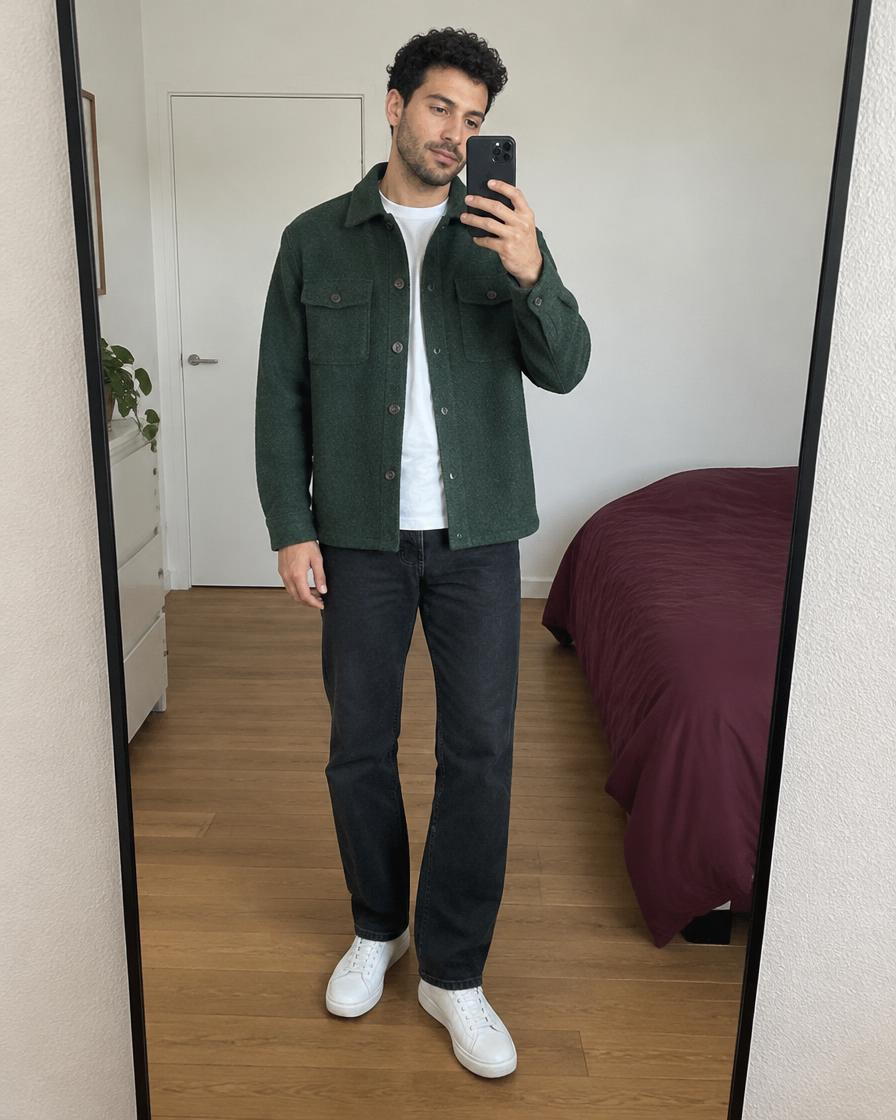
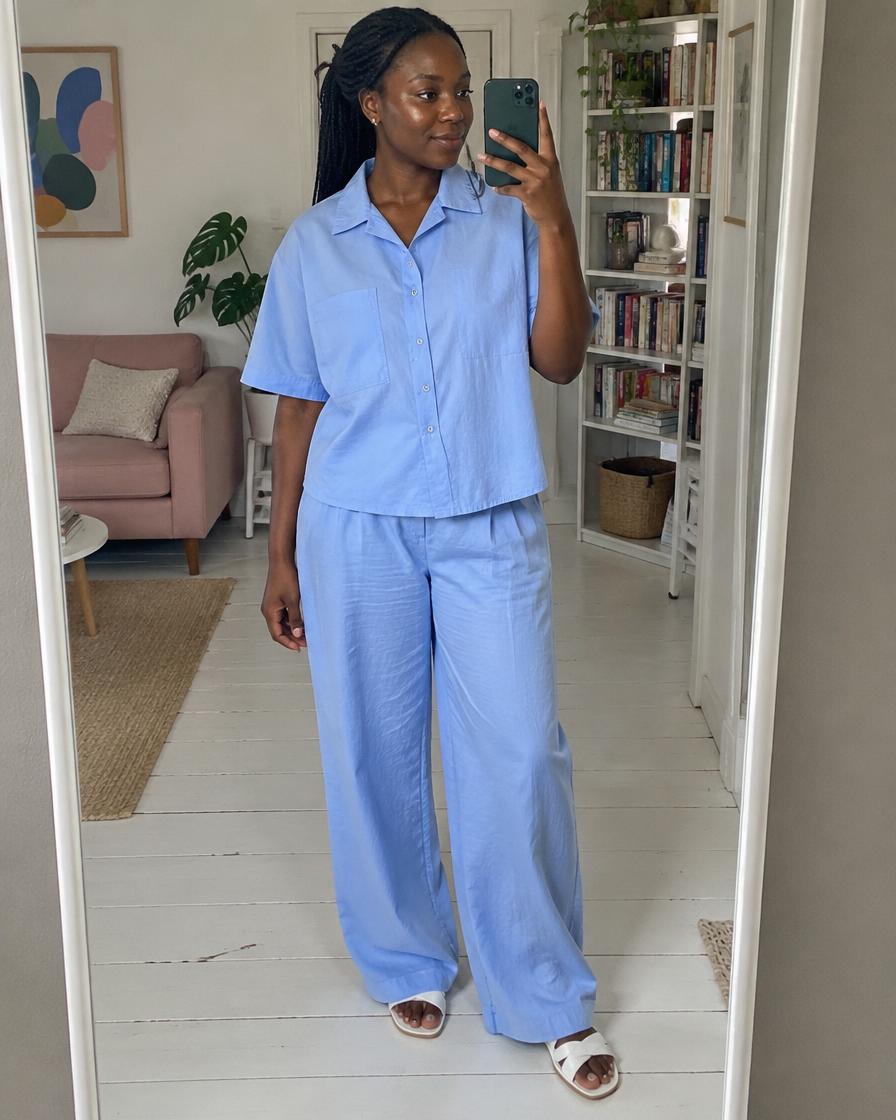
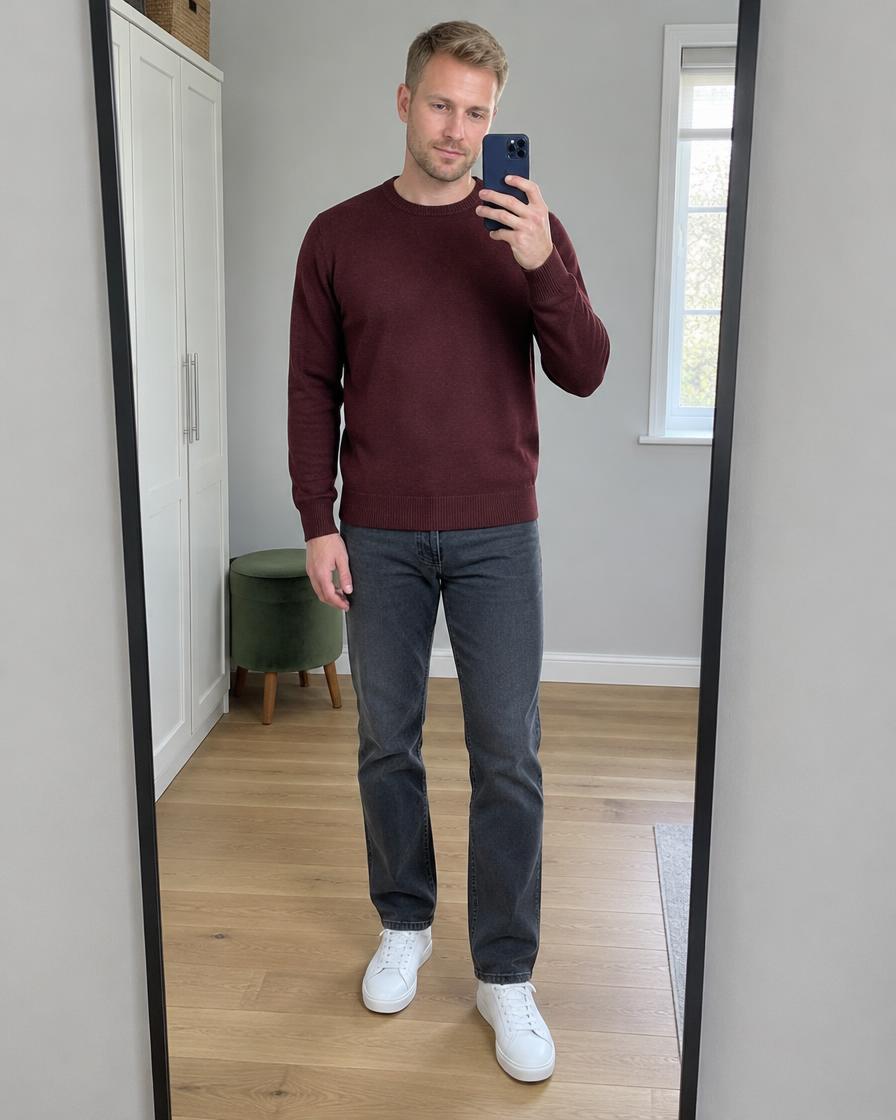
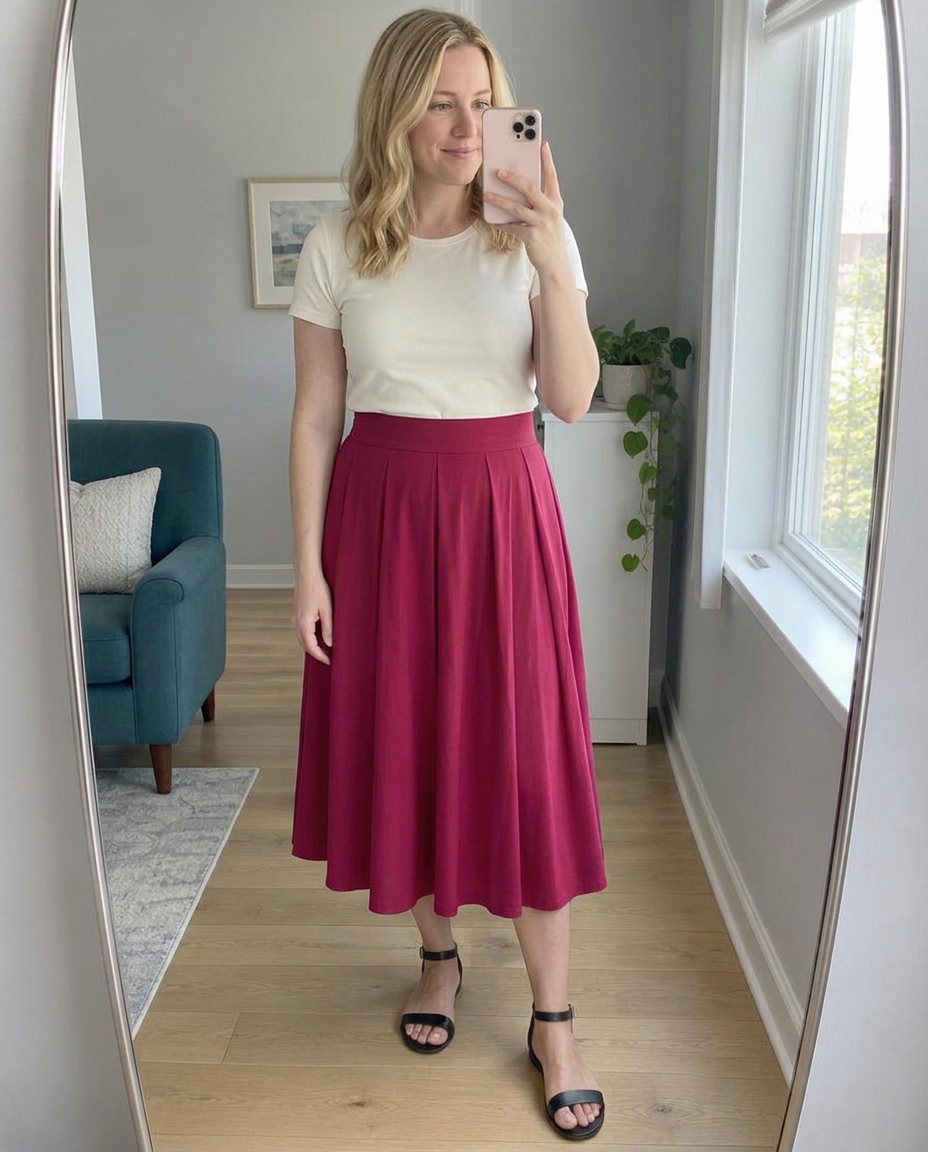
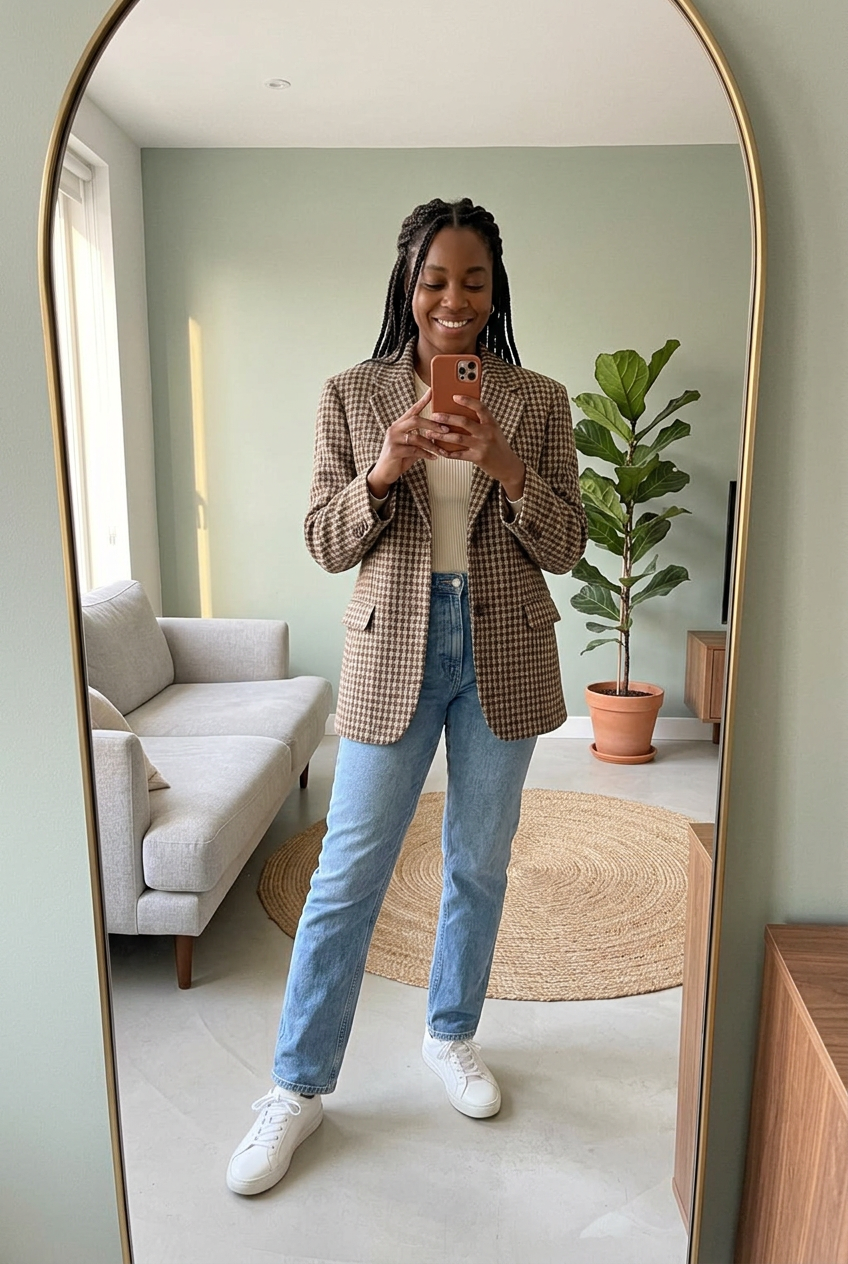
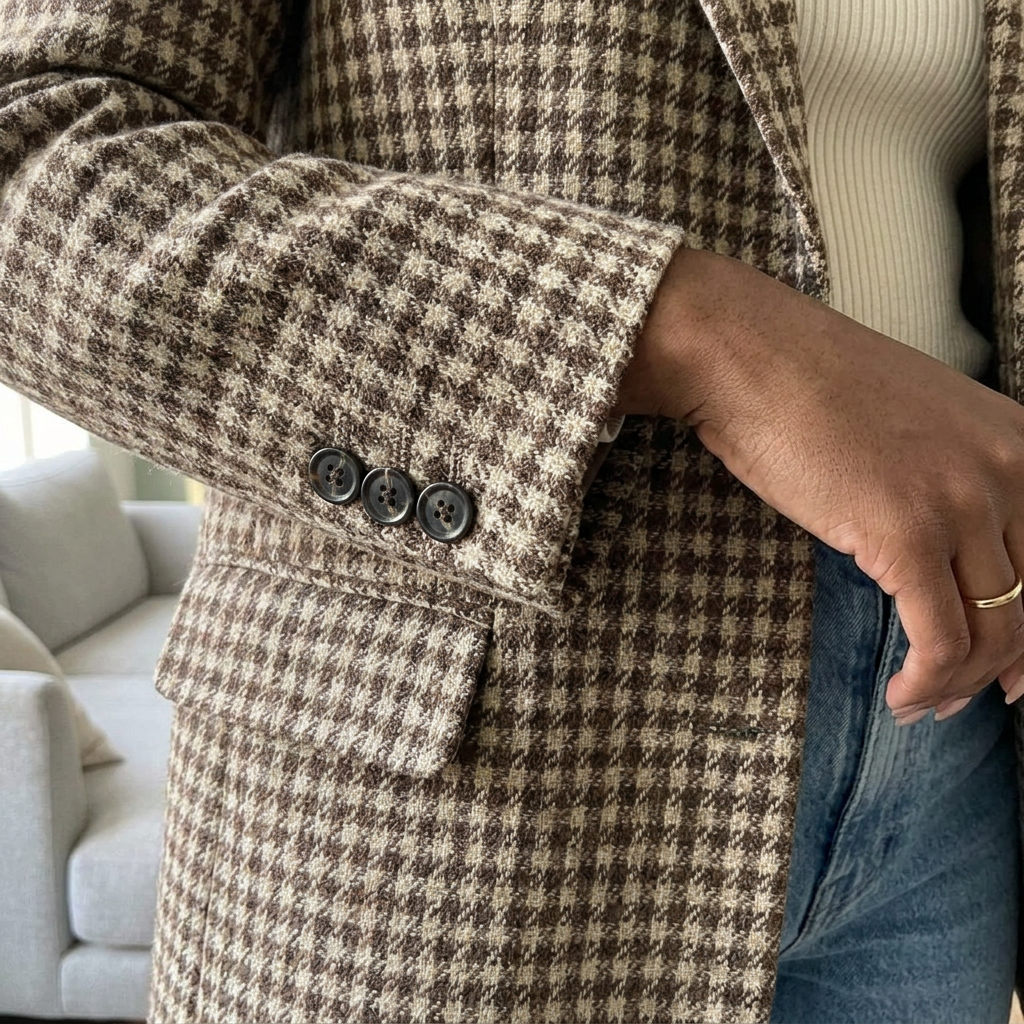
A view of the garment
Mirror selfies show how a piece looks worn. Detail photos bring the fabric and construction closer.
Mirror selfies for second-hand sellers
Turn photos of your second-hand clothes into natural-looking AI mirror selfies. Create your model once, keep the same room, and get a title and description with every listing.
3 free listings · No credit card
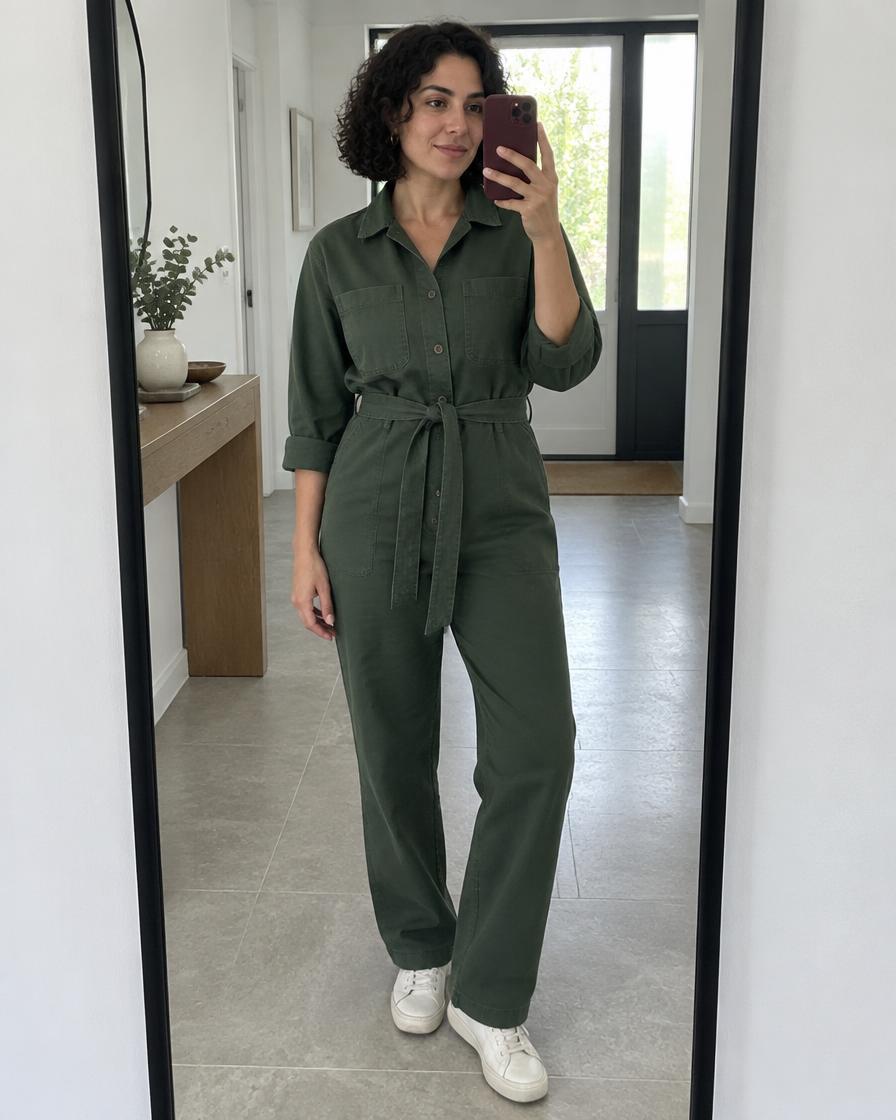 Your model · your room
Green jumpsuit
Mirror selfie
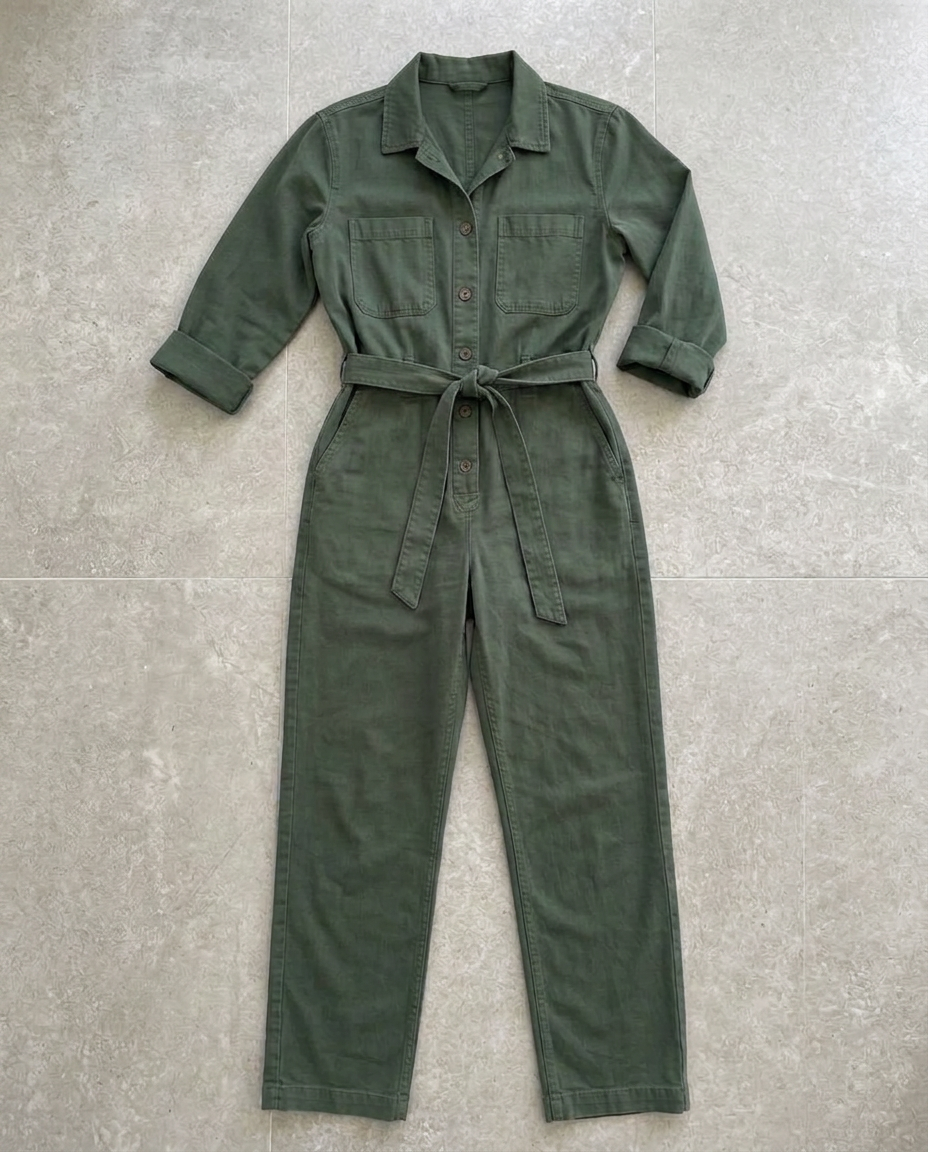
Your photo
Illustrative AI examples. Always check your generated photos against the original item.
Made for the marketplaces you already sell on
Your originals show the item and its condition. FitSnap illustrates how it could look worn and styled, on marketplaces that allow AI images. What about Vinted?
Your digital self
Upload your face and a front-view photo to create your digital model. Then photograph the clothes you want to sell — your digital self wears them in your own consistent room.
Create my modelAdd a clear face photo and a front-view body photo. A side-view photo is optional. These references guide the face and silhouette of your digital model.
Add your height, weight and body shape to guide the generated silhouette. The photos illustrate the garment; they are not a fit guarantee.
Your account gets its own room. The model, mirror and main surroundings stay consistent. Sell both womenswear and menswear? Set up one model for each.
Use your own photos, or photos of someone who has agreed. Prefer not to use your face? Designing a different model is also an option.
More than a T-shirt
Wrap dresses, tailored trousers, bags and knitwear. Each example has a different model and setting — the same approach your own closet gets.
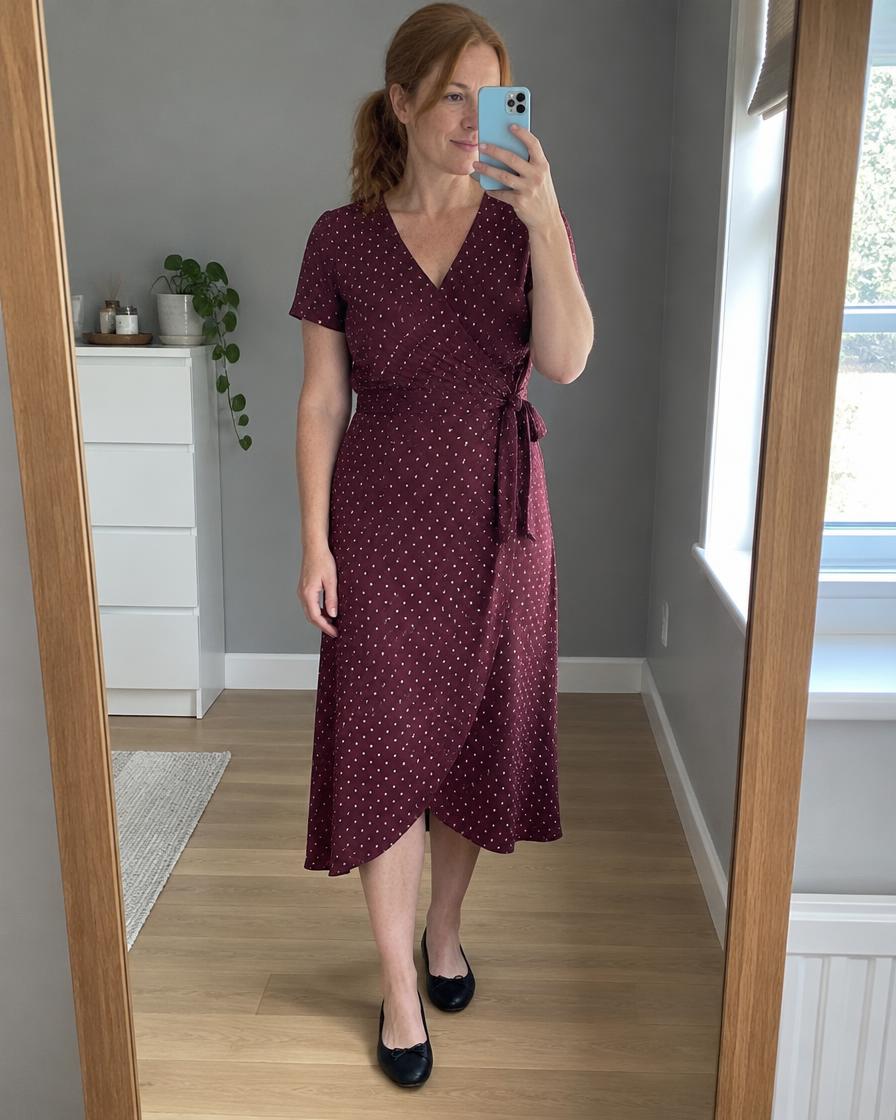
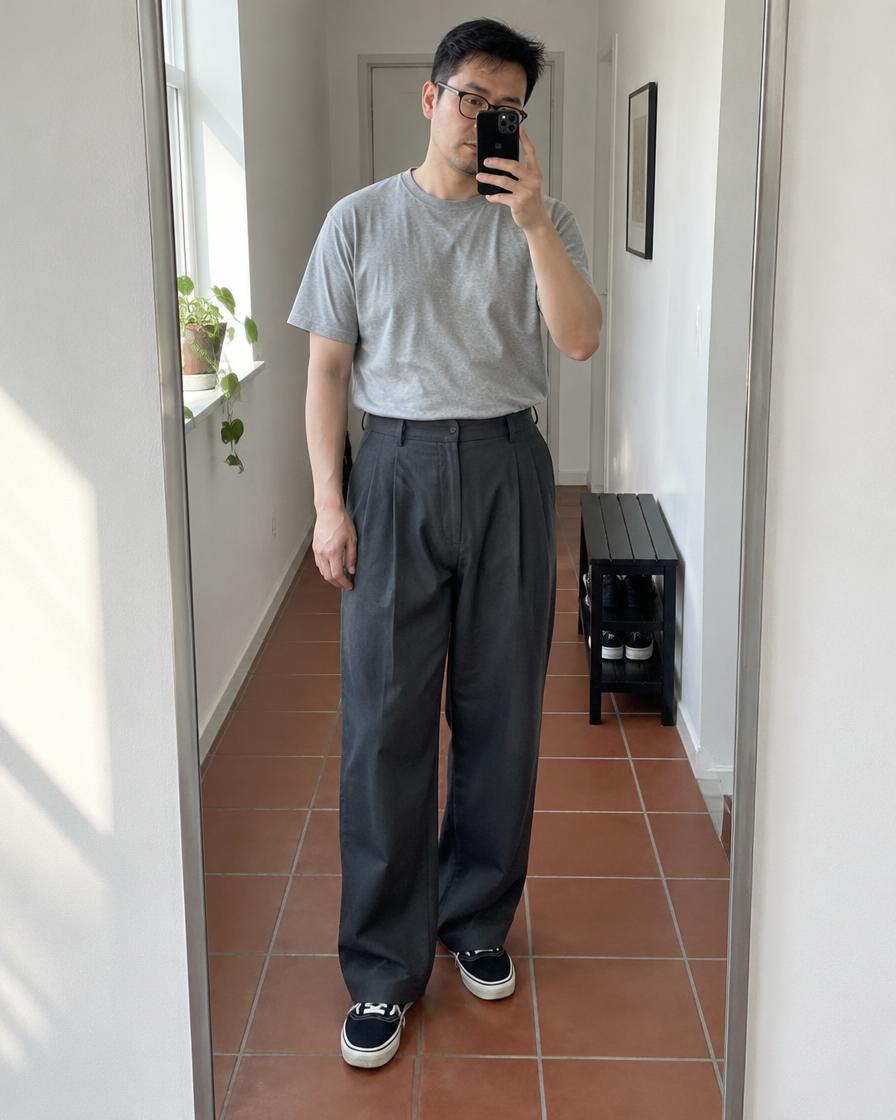
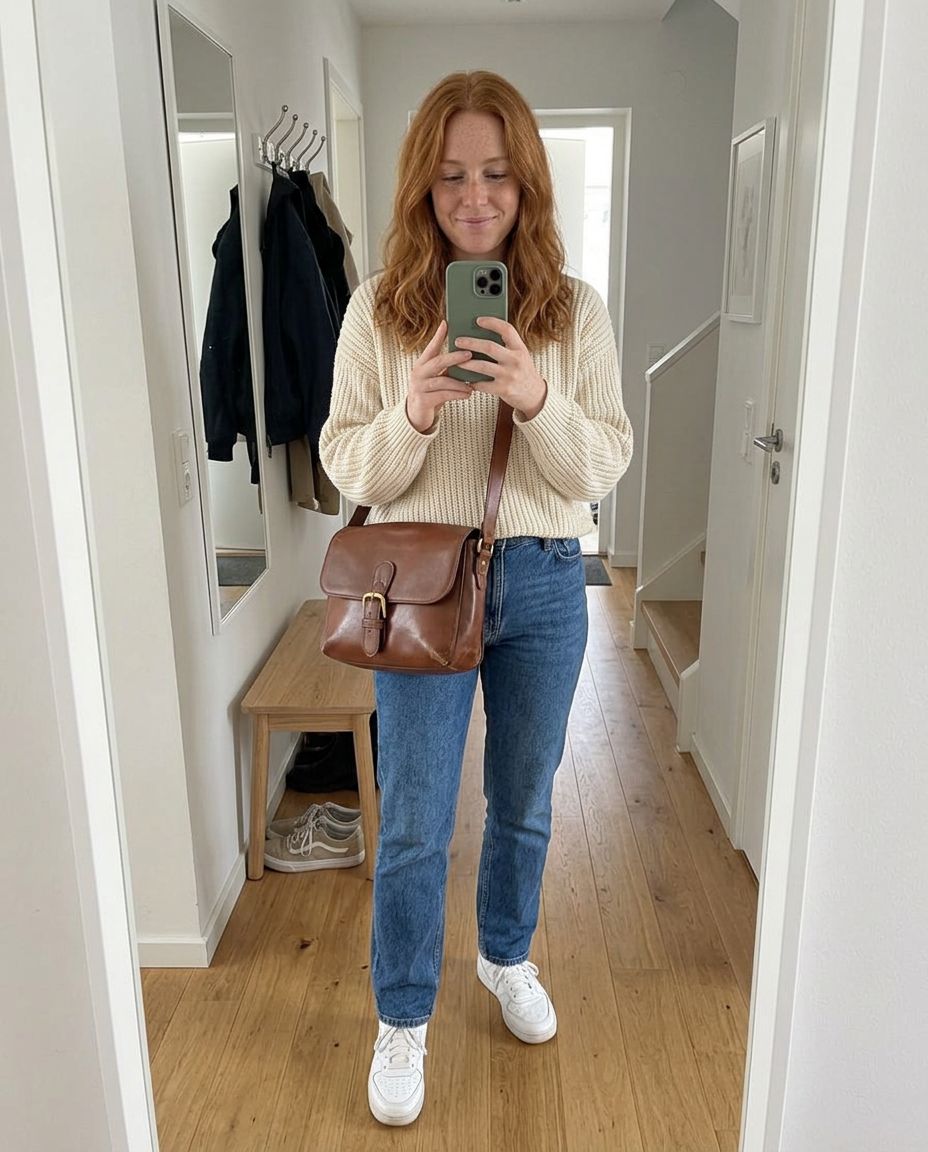

The details matter
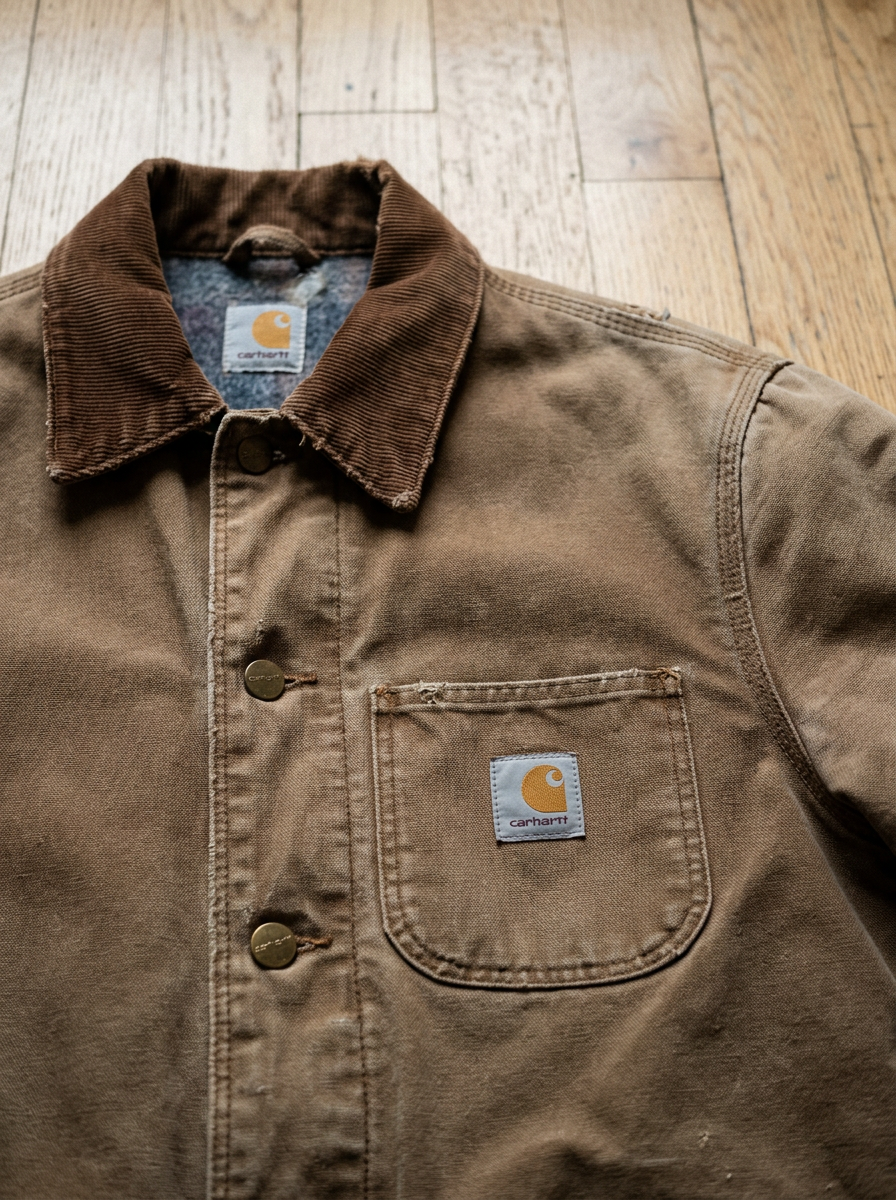
Mirror selfies show how a piece looks worn. Detail photos bring the fabric and construction closer.
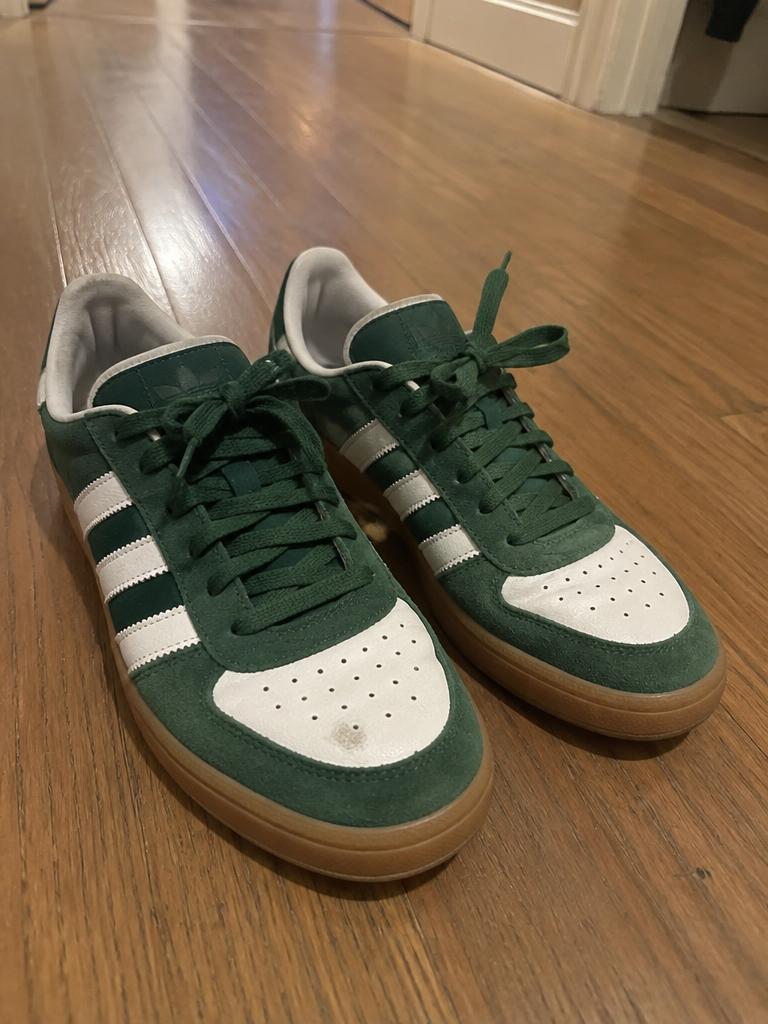
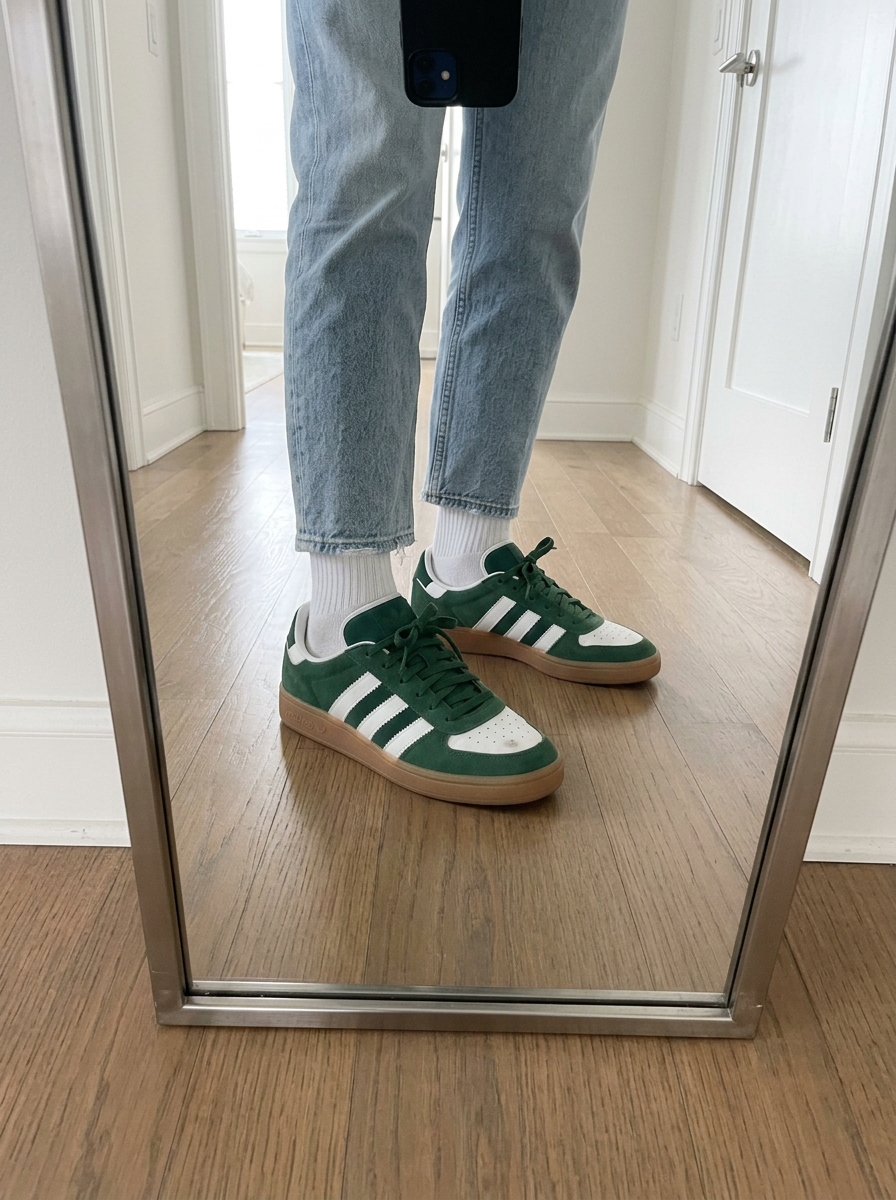
Include close-ups of scuffs, pilling and other wear in your uploads. Compare the generated details with the originals before publishing.
Houndstooth blazer
Black-and-white houndstooth blazer with a button front and flap pockets. Add the confirmed size and condition before posting.
A title and description in English, French, Dutch, Italian or Spanish. Check the details, then copy the text into your listing.
Two packs
Every listing comes with a title and description. The difference is the number of photos.
Joined by resellers from Vinted, Facebook Marketplace & Depop
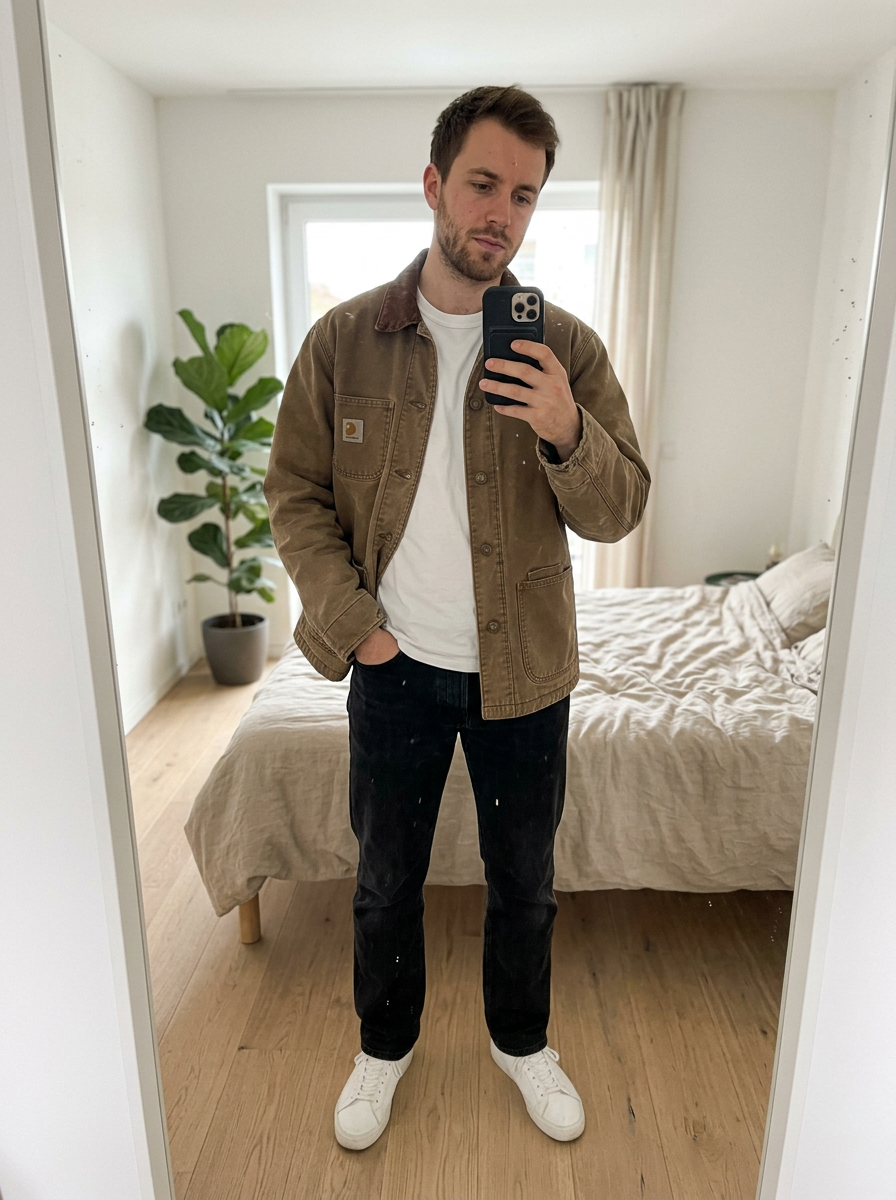
Photograph your item on a hanger, the bed or the floor.
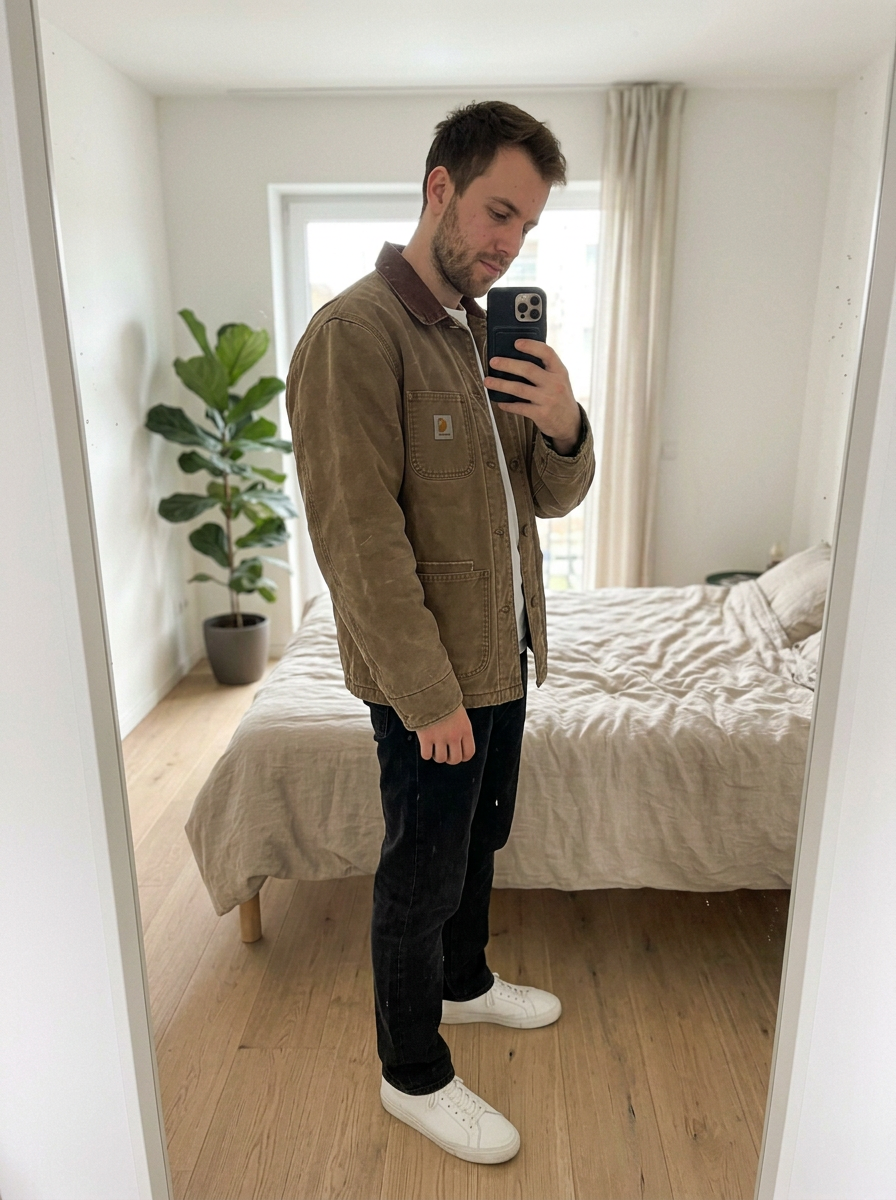
FitSnap creates AI photos using your saved model and room. Review the photos against your item.
Download the photos and copy the text. Check your marketplace’s photo rules before publishing.
Start free. Upgrade when you're selling more.
FitSnap turns item photos into AI-generated mirror-selfie model photos and listing text. Choose 3 or 5 photos, with a title and description in English, French, Dutch, Italian or Spanish.
These examples show matching sets, jumpsuits, dresses, trousers, bags and shoes. Upload clear photos of every piece, fastening, label and visible flaw. Review the result against your original item before posting.
Yes. Upload a clear face photo and a front-view body photo; a side view is optional. Create your digital model once, then reuse it for your listings. If you prefer not to use your face, you can design a different model.
Your original photos show what you’re selling: the actual item, labels and any wear. FitSnap adds another perspective — an AI illustration of how the piece could look worn and what to pair it with. Keep your originals, clearly label the FitSnap images as AI-generated, and compare every result with your item. Use them as additional styling images where your marketplace’s current photo rules allow; they don’t guarantee fit. FitSnap also prepares your title and description.
Vinted’s official catalogue rulesSet up your model, upload an item and try your first 3 listings free.
Create your model — free